A home for the
music you own.

Your albums, your files, your way to listen. High-resolution playback and a beautifully organized library, in one native Mac app.
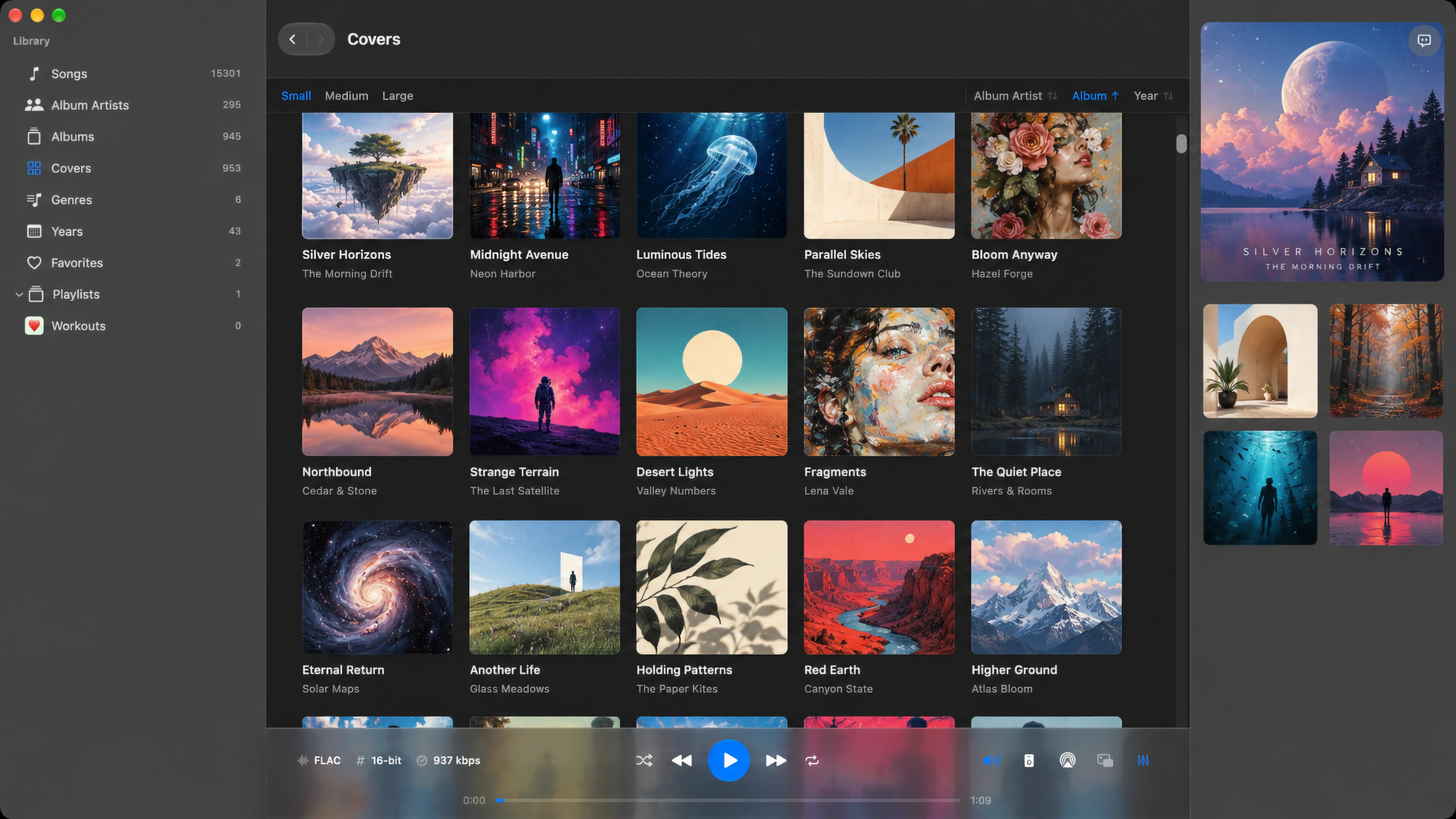
Mixo Player Album Gallery showing album artwork, artist names, album filters, and FLAC playback details.
Native to Mac.
Open to your music.
Apple Silicon
Local & external drives

Keep the collection.
Lose the clutter.

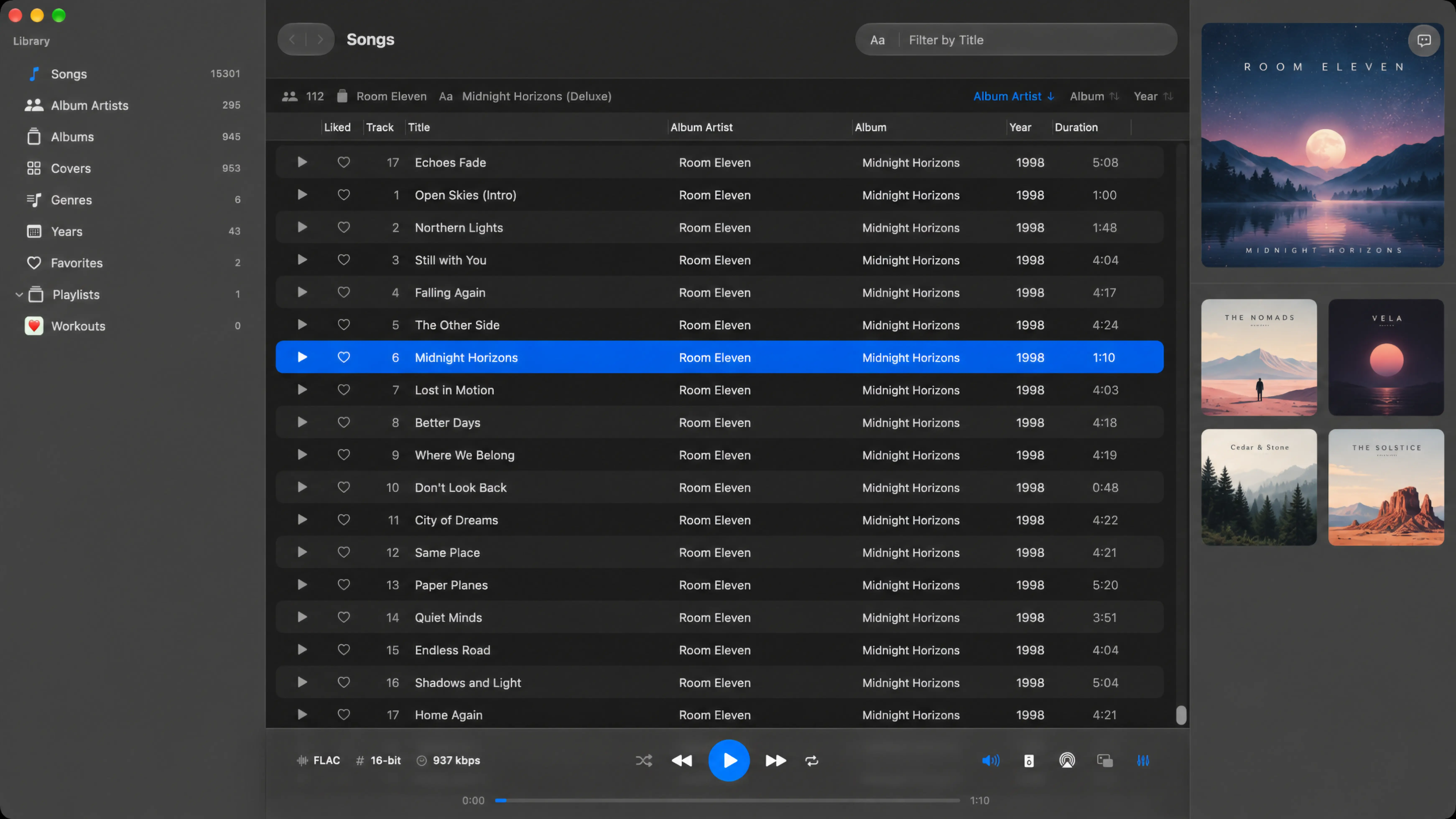
Mixo Player song library with track metadata, album grouping, and playback controls.
01

Files stay where they belong.

Add folders from your Mac or an external drive. Mixo Player indexes your music locally and leaves your original files in place.

02

Find your next listen.

Browse albums by artwork, explore an artist’s collection, or filter by title, year, and genre.

03

Make a little order.

Save favorites, arrange playlists, and bring them in or out with M3U import and export.

Settle into
the sound.

Lossless albums. Familiar headphones. A queue worth staying for. The listening tools you need, right where you need them.

Get to know the player
Shape your sound
A built-in 10-band equalizer, custom presets, and ReplayGain with Track and Album modes.
Choose your output
Listen through speakers, AirPods, headphones, USB DACs, or available AirPlay routes.
Keep it compact
The Mini Player keeps artwork, favorites, and playback controls close at hand.
Follow every word
Look up lyrics through LRCLIB and save them for offline listening. Online lookup requires a connection.
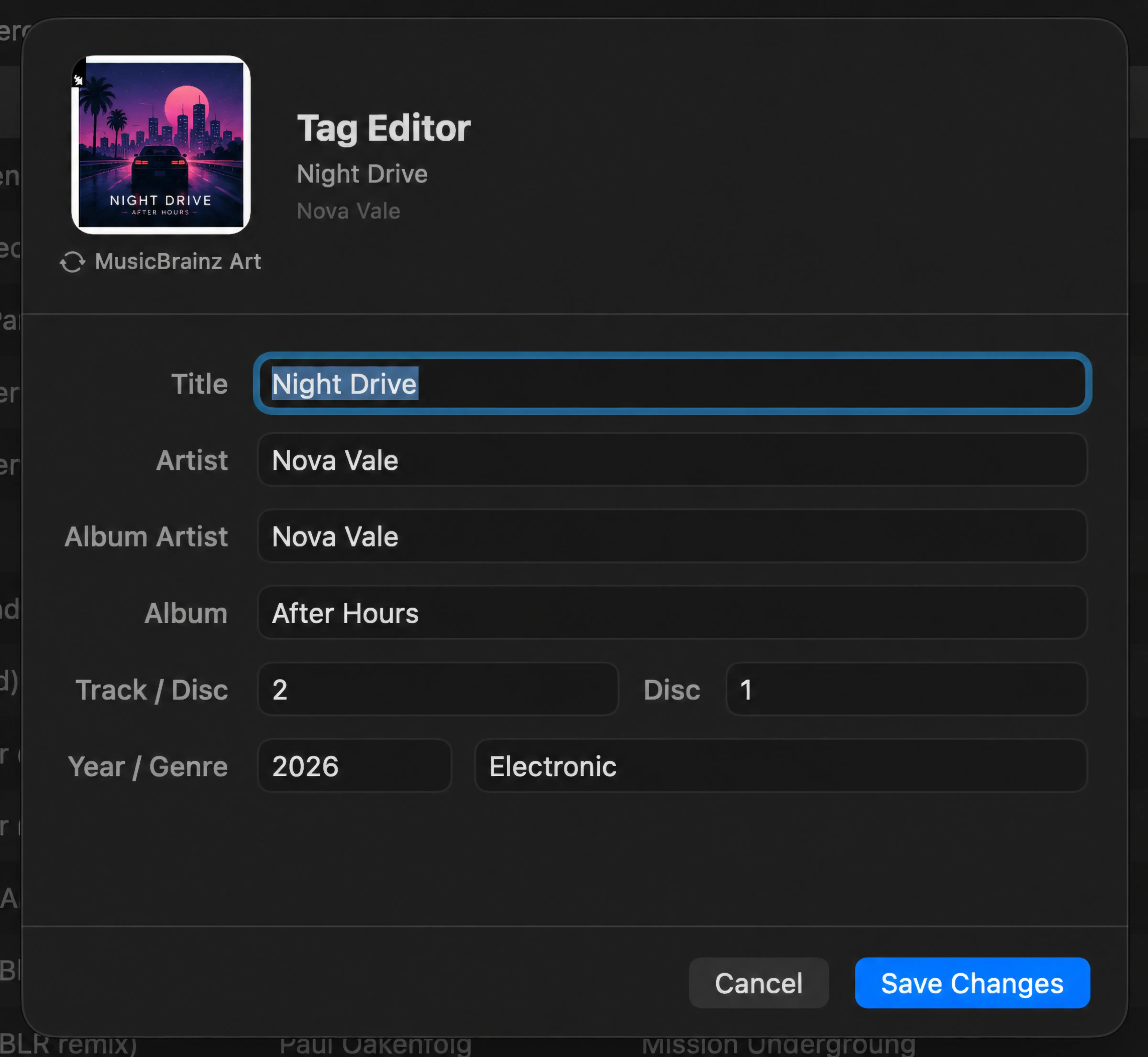
Mixo Player metadata editor with editable track fields and album artwork.

Put your collection
back in rotation.

Try Mixo Player for Mac free for 14 days.
One-time purchase. No subscription.